
FluxGrip: Integration with PX4

FluxGrip with standard PX4
This post shows how to use FluxGrip with standard PX4 firmware.
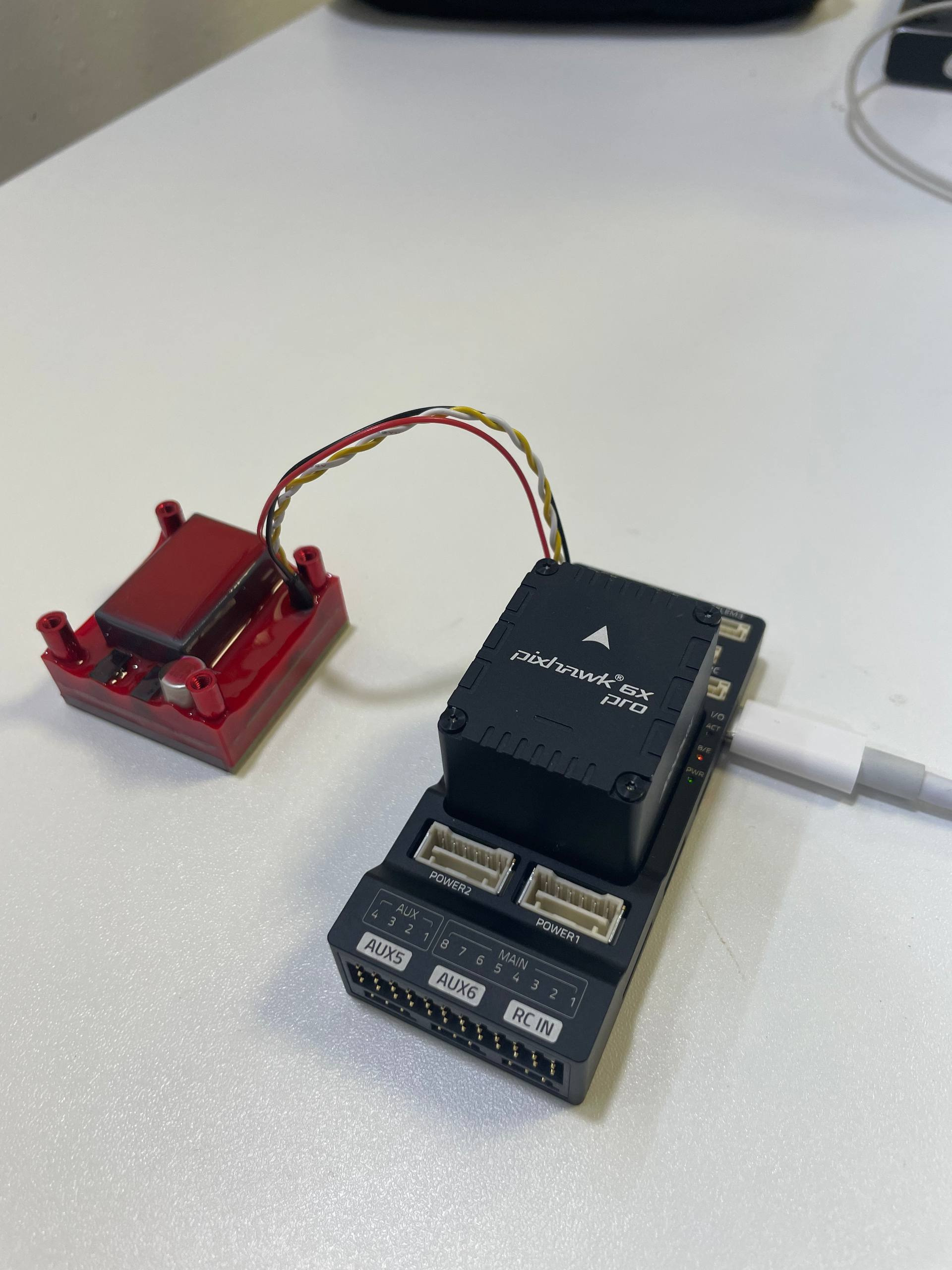
Tested with Holybro Pixhawk 6X Pro and FluxGrip running 502e1f5 version of the firmware.
- Clone the PX4-Autopilot repository
git clone git@github.com:PX4/PX4-Autopilot.git
Note
Please make sure to use a version of PX4 which contains commit 93ab802. This change set is required as it allows us to control the magnet through Dronecan using the
payload_deliverermodule. If you clone the latest master it will be present, however the last tagged versionv1.17.0does not have it.
- Configure the firmware, the FMUv6x (or your corresponding flight controller) should contain:
CONFIG_DRIVERS_UAVCAN=y
CONFIG_MODULES_PAYLOAD_DELIVERER=y
These options are set in boards/px4/fmu-v6x/default.px4board.
- Build and flash
cd ~/Px4-Autopilot
git submodule update --init --recursive
make px4_fmu-v6x_default
make px4_fmu-v6x_default upload # if it's hanging and can't detect the FMU, re-plug it
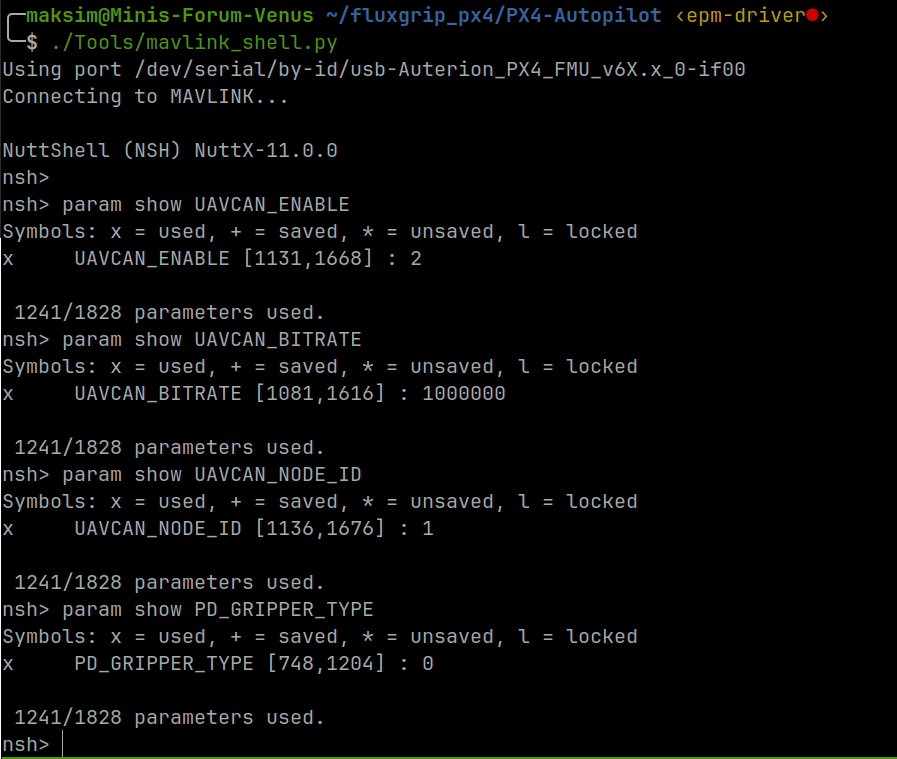
- Open Mavlink Shell and check these values
param show UAVCAN_ENABLE # 2
param show UAVCAN_BITRATE # 1000000
param show UAVCAN_NODE_ID # 1
param show PD_GRIPPER_TYPE # 0
- Connect FluxGrip to CAN1 on the flight controller.
Warning
It is best to provide a seperate power supply to FluxGrip to speed up switching and reduce load on the flight controller’s power rail – FluxGrip can briefly consume large current during switching.
- Once connected CAN LEDs on FluxGrip should blink as follows:
- 1 solid on the left (connection is up)
- 1 blinking (connection is active)
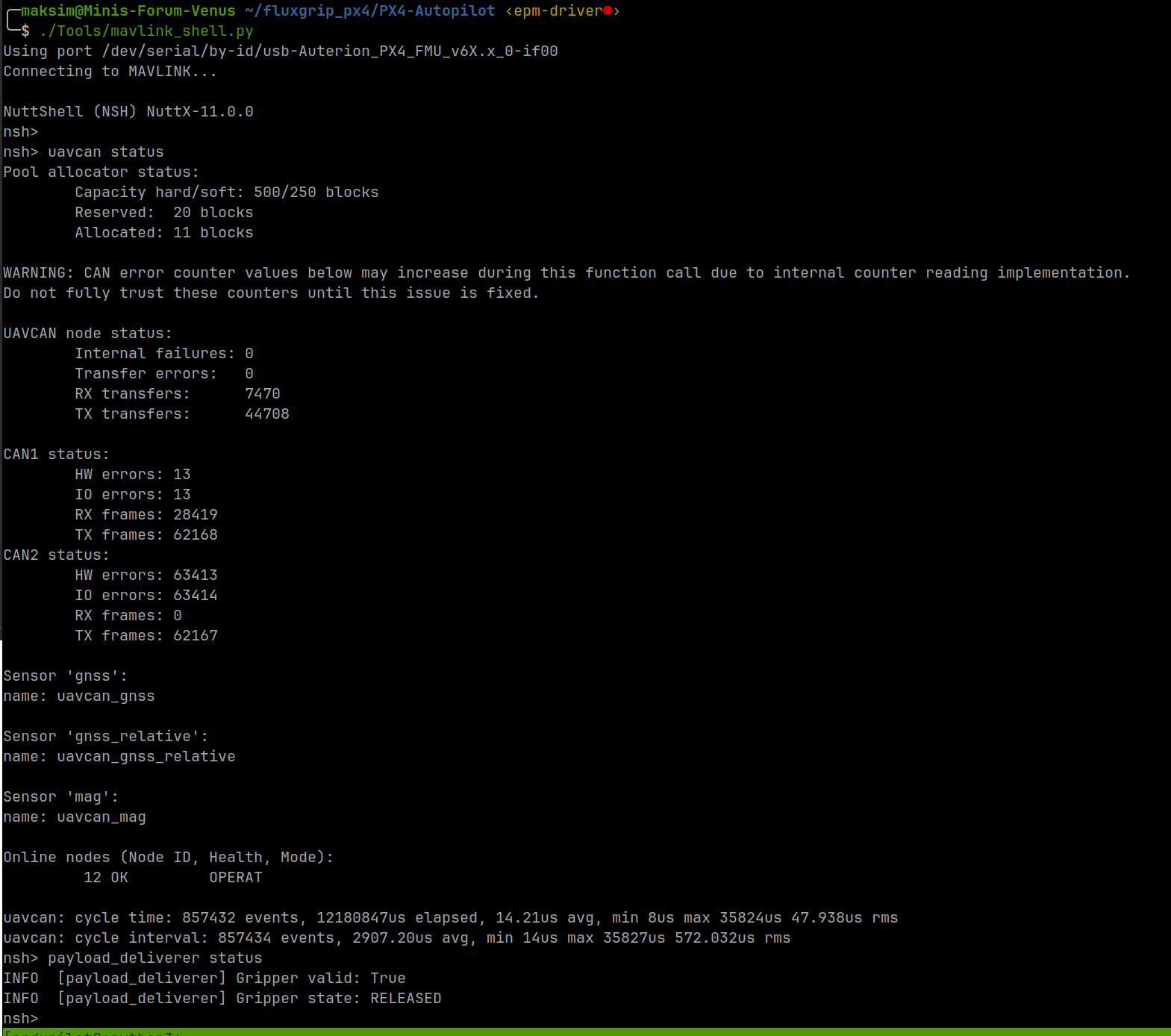
- Verify that
uavcanandpayload_delivererare working
uavcan status
payload_deliverer status
- Control the magnet
- Release/open the magnet:
payload_deliverer gripper_open - Grab/close the magnet:
payload_deliverer gripper_close
- Release/open the magnet:
Internally these produce:
open  -> MAV_CMD_DO_GRIPPER, hardpoint 0, command 0
close -> MAV_CMD_DO_GRIPPER, hardpoint 0, command 1
When you issue the commands you should see the Magnet LED (to the right of the CAN LEDs) light up in patterns as outlined in the next section.
Magnet LED patterns
- Magnet is in Detect state (Unknown): the default state upon turning on
- Magnet is ON (
payload_delivererwill by default issue a grab command upon rebooting)
- Magnet is OFF
- Magnet is “Turning On”
- Magnet is “Turning Off”
If the Magnet LED is blinking rapidly, the magnet has failed to magnetize, reach out to Zubax.



